
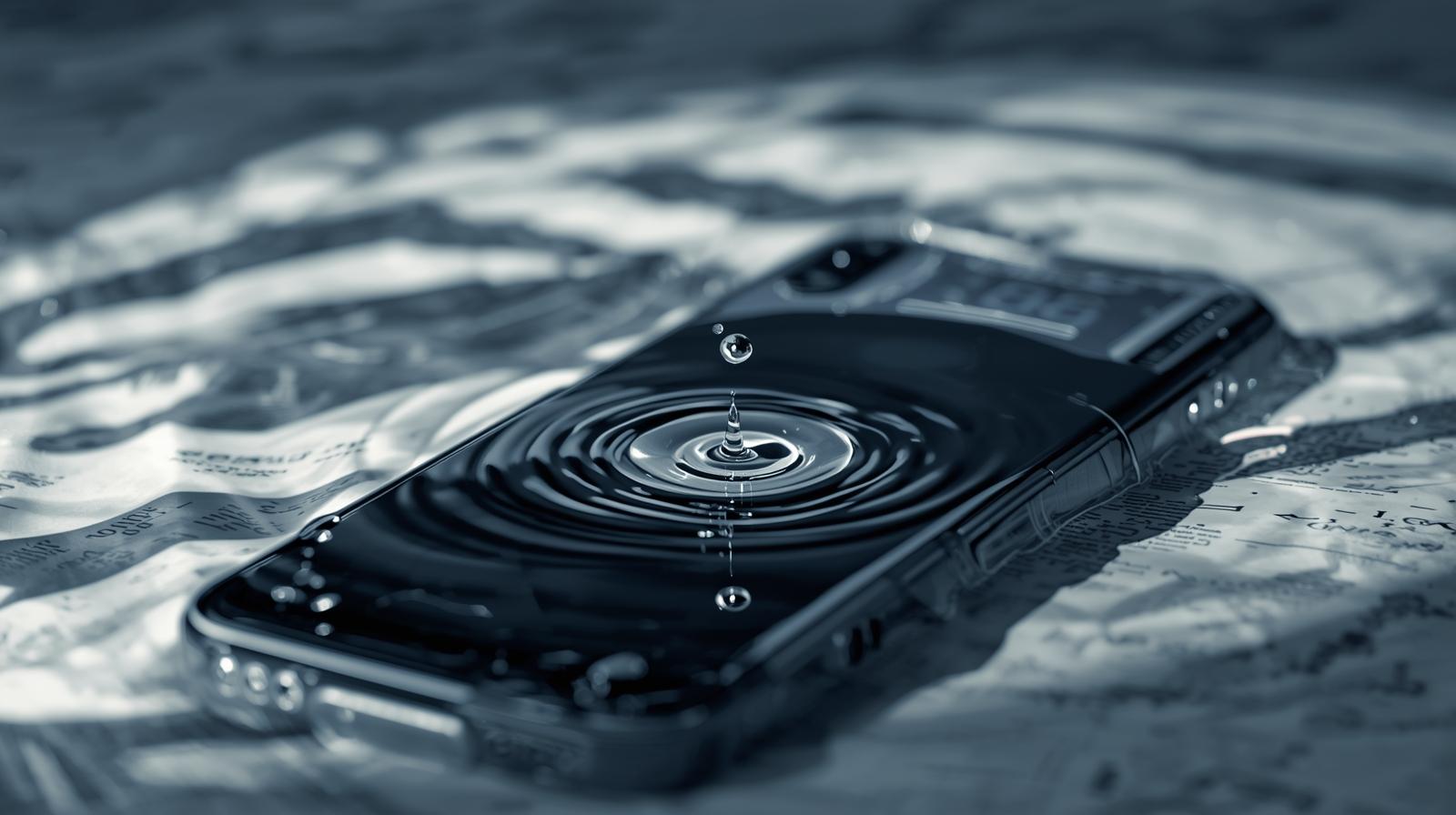
We’ve all been there — your phone slips out of your hand and lands right in the sink, toilet, or puddle. That sinking feeling hits instantly. But here’s the truth: what you do in the first few minutes after your phone gets wet can determine whether it survives or dies for good.
Don’t panic — follow these 8 crucial things to do if your phone gets wet (and a few things you should never do) to maximize your chances of saving it.
1. Turn Off Your Phone Immediately
The very first step — power it off right away.
Electricity and water are a deadly combo. Keeping your phone on while wet can cause short circuits that permanently damage its internal components.
What to do:
- If the screen is still responsive, hold the Power button and tap “Shut Down” or “Power Off.”
- If the screen is frozen, hold the Power + Volume Down buttons for 10 seconds to force shut it down.
Avoid pressing random buttons — that can push water further inside.
2. Remove the Case, SIM Card, and Memory Card
Water can stay trapped in phone accessories and card slots. To help your device dry faster, remove everything detachable.
Steps:
- Take off the phone case and screen protector.
- Remove the SIM card tray and microSD card (if applicable).
- Gently wipe the slots with a clean, dry microfiber cloth.
Keep these components separate until the phone is completely dry.
Pro Tip:
If your phone has a removable battery (rare these days), take it out immediately to cut off power and prevent short circuits.
3. Gently Wipe and Shake Out Excess Water
Before you think of drying it with heat (don’t do that yet), start by removing any visible moisture.
How to do it:
- Use a soft, lint-free towel to wipe the phone’s exterior gently.
- Tilt the phone to let water drain from charging ports, speaker holes, and the SIM tray area.
- You can gently shake it — but don’t be aggressive.
Avoid inserting tissues or cotton swabs into ports — fibers can get stuck and cause more harm than good.
4. Use Air Circulation — Not Heat
Here’s one of the biggest mistakes people make: using a hair dryer or oven to dry their phone. Heat can melt sensitive components and warp seals.
Instead, use cool air circulation.
What to do instead:
- Place your phone near (not inside) a fan, air conditioner, or dehumidifier.
- Keep it on a dry, flat surface for at least 24–48 hours.
If you have access to silica gel packets (the “do not eat” packets from electronics boxes or shoe packages), place your phone and those packets inside an airtight container. Silica absorbs moisture more effectively than rice.
5. Skip the Rice Myth
You’ve probably heard the advice: “Put it in rice.” But that’s outdated and unreliable.
Rice does absorb moisture — just not fast or effectively enough to reach the deep internals of your phone. Worse, rice grains can get lodged in charging ports or headphone jacks.
Better Alternatives:
- Use silica gel or synthetic desiccant packets.
- If you don’t have those, place your phone in a dry cupboard with airflow — not under direct sunlight.
6. Be Patient Before Turning It On Again
One of the most common mistakes is turning your phone on too soon to “check if it still works.”
Even if it looks dry, internal moisture may still be present — which can cause short circuits or corrosion.
Wait at least 24–48 hours before powering it on again.
After waiting, inspect the charging port and SIM slot for signs of water or fog. Only power up when you’re confident it’s completely dry.
7. Test Carefully and Monitor for Issues
Once it’s dry and powered on, it’s time to test functionality. But don’t rush.
Check for:
- Display issues: Faded spots, flickering, or ghost touches.
- Audio: Test the speaker and mic.
- Camera: See if the lens shows fog or moisture.
- Battery behavior: Rapid drain or overheating.
If everything works fine — great. But if your phone feels warm or unresponsive, turn it off immediately and seek professional help.
8. Seek Professional Repair if Problems Persist
If your phone doesn’t turn on or shows erratic behavior even after drying, don’t give up yet. Many water-damaged phones can still be saved by technicians.
What experts can do:
- Open the phone and deep-clean internal components using isopropyl alcohol.
- Replace damaged connectors or corroded chips.
- Perform diagnostic tests to identify shorted circuits.
Where to go:
Visit an authorized repair center or a trusted local mobile technician who specializes in liquid damage repair. Avoid do-it-yourself teardown videos unless you’re experienced.
What NOT to Do
These are the actions that can ruin your chances of recovery:
- Don’t turn on your phone right away.
- Don’t plug it in to charge.
- Don’t heat it with a hair dryer, oven, or microwave (yes, some people actually try this).
- Don’t press buttons excessively or shake aggressively.
- Don’t blow into ports — that pushes water deeper inside.
Bonus Tip: Check for Water Resistance and Warranties
Many modern smartphones — like the latest iPhones, Samsung Galaxy, and Pixel models — come with IP67 or IP68 ratings, meaning they can resist water up to a certain depth.
However, this doesn’t mean they’re waterproof — water resistance weakens over time due to wear, drops, or repairs.
Always check:
- Your phone’s warranty policy (most don’t cover liquid damage).
- If water indicators inside the SIM tray have changed color — a red/pink dot often signals exposure.
Key Takeaway
When your phone gets wet, speed and patience both matter. Act quickly to turn it off, remove accessories, and dry it properly — but don’t rush to turn it back on.
Forget the rice myth, rely on airflow or silica gel, and if needed, let a professional handle it.
Following these 8 things to do if your phone gets wet (and what NOT to do) can be the difference between saving your smartphone or losing it forever.