
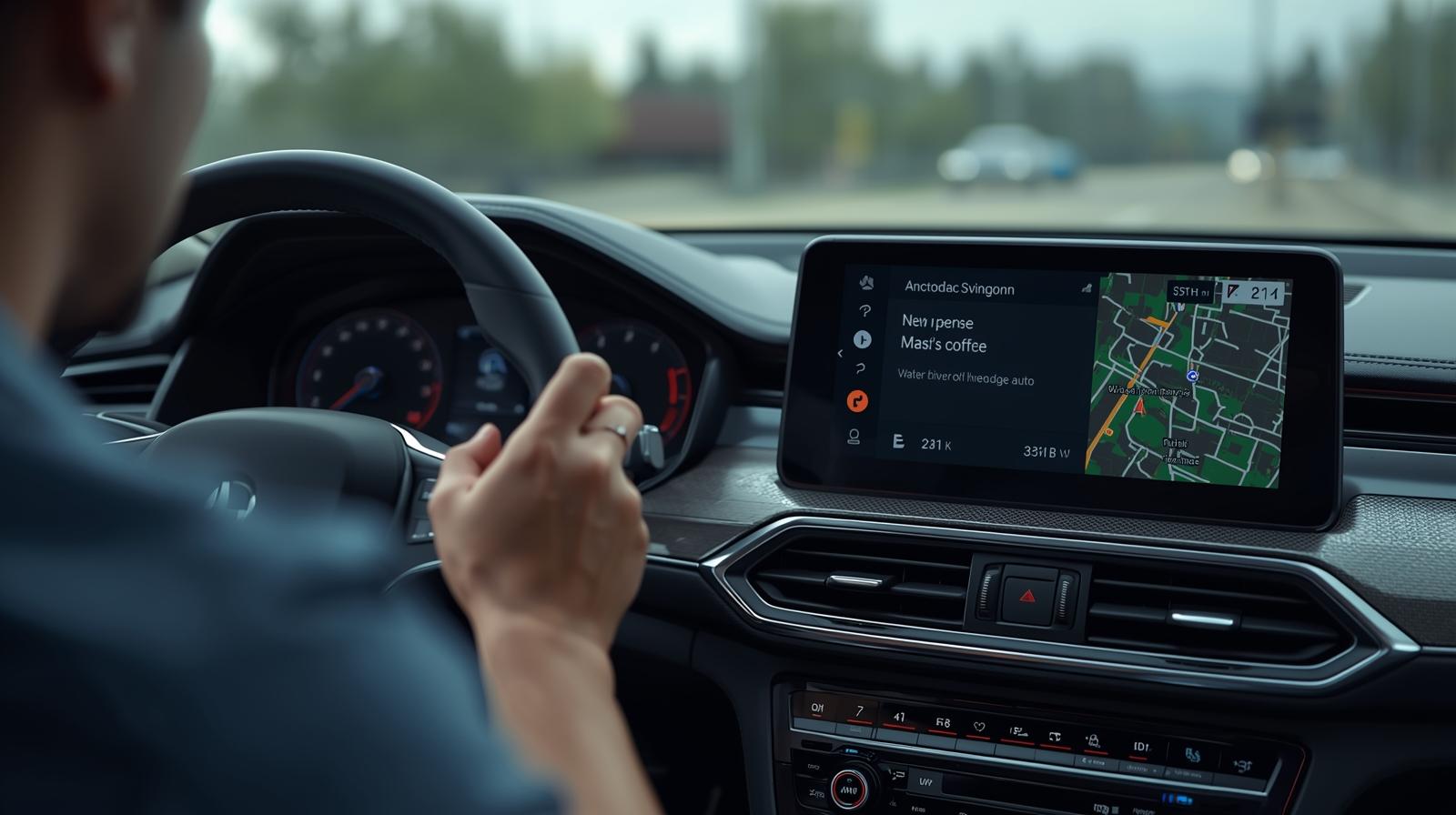
Android Auto promises a seamless connection between your Android phone and your car’s infotainment system. In theory, it should make navigation, calls, music, and messaging effortless while driving. In practice, many users encounter persistent issues that undermine the experience. In this article, we’ll explore the six biggest problems with Android Auto and what Google can do to fix them.
1. Wireless Connection Instability
One of the most frequent complaints from users is that wireless Android Auto connections often drop unexpectedly. While wireless functionality is convenient, it can be inconsistent.
Common issues include:
- Sudden disconnections in the middle of navigation or calls.
- Laggy or delayed touchscreen response.
- Difficulty establishing a connection with certain phone and car combinations.
Why it happens:
- Wi-Fi and Bluetooth interference or incompatible hardware.
- Phone models and car infotainment systems may not fully support the wireless protocol.
- Automatic switching between bands (2.4 GHz vs 5 GHz) can cause interruptions.
How Google can fix it:
- Implement better diagnostics to identify whether the problem is the phone, car, or connection type.
- Improve wireless protocol reliability to reduce dropouts.
- Offer seamless fallback to wired connection without user intervention.
2. Wired Connection Problems
When wireless fails, wired connections are meant to provide a stable link. Unfortunately, wired connections also face issues.
Common problems:
- Android Auto fails to recognize the phone.
- Audio or display doesn’t work even though the cable is connected.
- The interface may freeze or load incompletely.
Causes:
- Low-quality or charge-only USB cables.
- Older USB ports in cars may be incompatible.
- Incorrect settings on the phone or in the car’s infotainment system.
Recommended fixes for Google:
- Provide in-app guidance on compatible cables and ports.
- Include cable quality checks and immediate alerts for substandard cables.
- Work with car manufacturers to standardize wired protocols for better reliability.
3. App Crashes and Freezes
Android Auto is only as good as the apps it runs. Frequent app crashes and interface freezes frustrate users and can be distracting while driving.
Examples of issues:
- Music apps freezing during playback.
- Navigation apps suddenly stopping mid-route.
- Entire Android Auto interface freezing, requiring a restart.
Root causes:
- Inconsistent app updates and poor compatibility testing.
- Hardware and software differences across phones and car models.
- Memory or processing limitations on older phones.
Suggested improvements:
- More rigorous beta testing for Android Auto and popular apps.
- On-device crash reporting with actionable feedback for developers.
- A fallback or “safe mode” interface to maintain basic functionality when an app fails.
4. Audio and Call Problems
Seamless audio playback and clear calls are critical in a hands-free environment. However, Android Auto often struggles with these essentials.
Typical issues include:
- Call audio dropping or sounding distorted.
- Music skipping or cutting out.
- Volume controls not responding correctly.
Why these issues occur:
- Handshake problems between phone, car system, and Bluetooth or USB audio.
- Conflicts between multiple audio sources (navigation, calls, music).
- Hardware limitations in older vehicles.
How Google can address them:
- Provide better diagnostics to identify audio routing issues.
- Optimize Bluetooth and USB audio protocols for minimal interference.
- Offer a dedicated troubleshooting section in the app for audio and call problems.
5. App Compatibility Limitations
Android Auto works best with supported apps, but many users find their favorite apps are limited or restricted.
Common complaints:
- Some third-party apps fail to display or work in the car.
- Features available on the phone are missing in Android Auto.
- Problems occur when switching to a new phone or infotainment system.
Underlying causes:
- Incomplete developer support for the Android Auto platform.
- Inconsistent app updates across different devices.
- Limited documentation for third-party developers.
How Google can improve:
- Maintain a clear, updated list of fully compatible apps.
- Work closely with developers to ensure key features are available in Android Auto.
- Provide migration support when users change devices or upgrade cars.
6. Interface and Usability Issues
A smooth, intuitive user interface is essential for safe driving. Many Android Auto users experience difficulties with the UI.
Typical problems:
- Touchscreen controls not responsive or laggy.
- UI elements obscuring maps or navigation instructions.
- Poor handling of vertical and horizontal displays in different vehicles.
Causes:
- Limited testing across the variety of car screen sizes and orientations.
- Design prioritizing aesthetics over usability in driving conditions.
- Inconsistent updates for UI across phones and apps.
Recommended improvements:
- Optimize UI for readability and minimal distractions.
- Conduct more in-vehicle testing to ensure controls are accessible while driving.
- Allow users to customize the display, such as map size and widget layout.
Summary Table of Android Auto Problems
| Issue # | Problem | Cause / Insight | Suggested Fix by Google |
|---|---|---|---|
| 1 | Wireless connection drops | Wi-Fi/Bluetooth interference, unsupported hardware | Better diagnostics, improved reliability, seamless fallback |
| 2 | Wired connection issues | Poor-quality USB cables, port incompatibility | Cable guidance, real-time alerts, standardized protocols |
| 3 | App crashes and freezes | Inconsistent app updates, hardware limitations | Beta testing, crash reporting, fallback interface |
| 4 | Audio and call problems | Audio routing conflicts, Bluetooth/USB handshake issues | Diagnostics, optimized protocols, troubleshooting guides |
| 5 | App compatibility limitations | Limited support, missing features, device transitions | App compatibility lists, developer support, migration tools |
| 6 | Interface and usability issues | Poor touchscreen response, display orientation, cluttered UI | UI optimization, in-car testing, customization options |
Conclusion
Android Auto offers significant convenience for drivers, but these six recurring issues reduce its effectiveness. Wireless and wired connection problems, app instability, audio issues, compatibility limitations, and UI flaws are among the main challenges users face. Google can improve the overall experience by providing better diagnostics, collaborating with developers, and optimizing the interface for diverse devices and vehicles.
For users, the best approach is to keep the phone and Android Auto app updated, use recommended cables for wired connections, and regularly check for app updates. Ultimately, addressing these systemic problems requires sustained attention from Google and its ecosystem partners.
Last technically reviewed on November 03, 2025.
How we created & reviewed this content:
The content in this article has been gone through our editorial process and currently reliable.
DISCLAIMER
MPT provides independent, fact-checked information about mobile technology for general reference only and images on this site maybe AI-Assisted where appropriate and relevant. See our Disclaimer for details.
INFORMATION SOURCES
MPT follows strict sourcing standards, relying only on credible, verifiable data from manufacturers, industry benchmarks, and reputable publications. Learn more about how we ensure content accuracy and transparency in our Editorial Policy.
- Android Authority: “Android Auto not working? Here’s how to fix it” (Android Authority)
- MakeUseOf: “Why Is Android Auto Not Working? 8 Troubleshooting Fixes” (MakeUseOf)
EDITORIAL HISTORY
Our team of writers, editors, and reviewers continually monitors the mobile industry and updates articles when new information becomes available. See how we maintain transparency and editorial integrity in our Editorial Policy.
- Current version
- Edited by David Chen
- November 03, 2025
- Written by Alyssa Thompson
- Edited by David Chen
- Technically reviewed by Anthony Rivera
DISCUSSION & FEEDBACK
We value reader insights and industry feedback to help us keep our content accurate and relevant. Learn how we handle reviews, corrections, and updates in our Editorial Policy.
- Leave a feedback on this post update at Reddit and Youtube.
CITE & SHARE IT
You’re welcome to cite and share MPT content for reference with proper attribution and a link back to the original article — helping more readers access trustworthy, well-researched mobile tech information.