
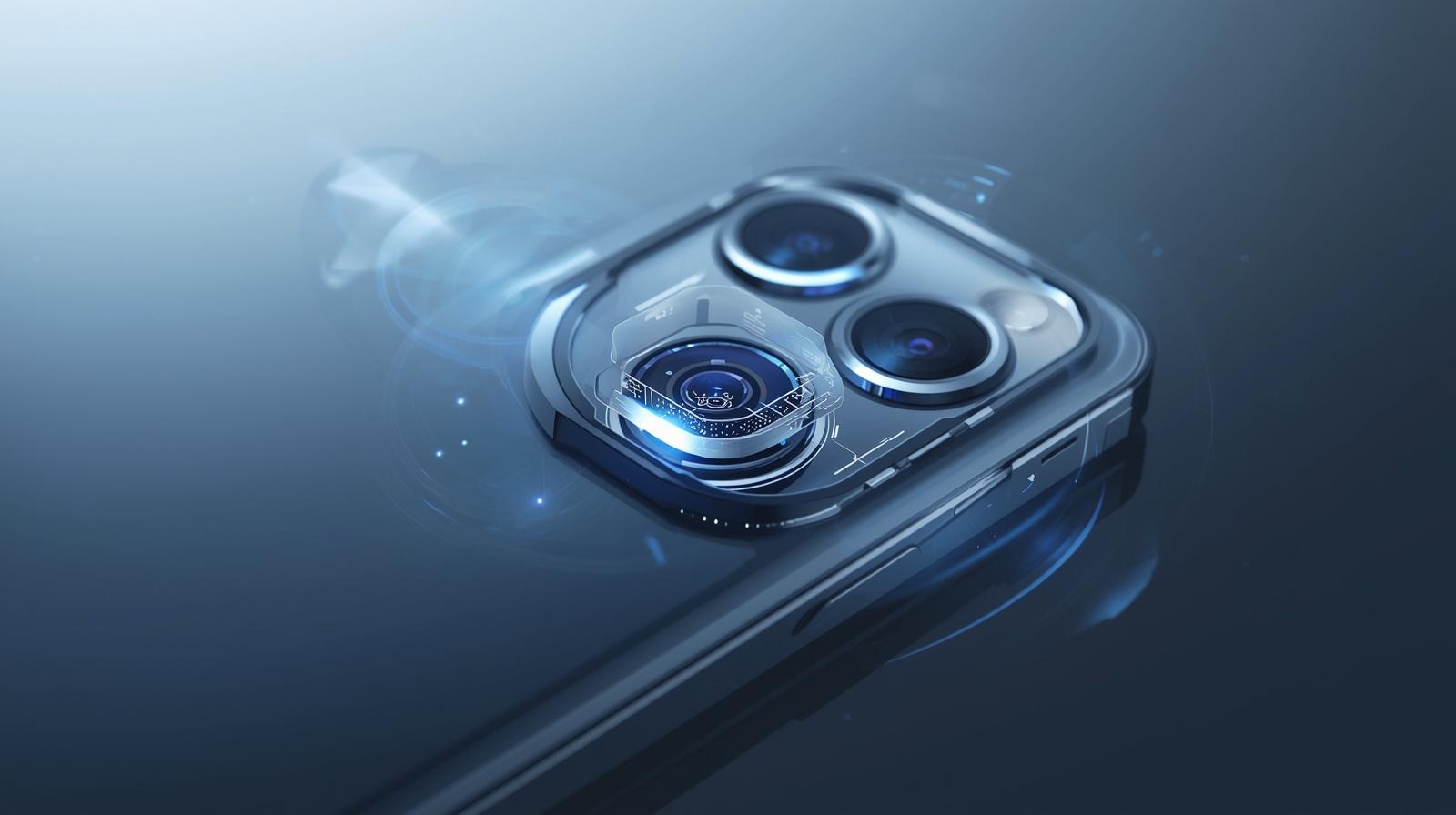
A Subtle But Game-Changing Update
When Apple rolls out new iOS updates, most people rush to try the flashy features — redesigned widgets, smarter Siri responses, or AI-driven personalization. But tucked quietly inside iOS 26 is a small camera upgrade that could completely change the way you take photos.
After spending a week testing it on the iPhone 15 Pro, I can confidently say: this might be the most underrated iPhone camera feature Apple has added in years. It’s not dramatic at first glance, but it refines the shooting experience so profoundly that you’ll wonder how you ever took photos without it.
The Feature Everyone Missed
The feature in question is “Smart Capture Optimization”, a new background system in iOS 26 that intelligently analyzes your scene and subtly adjusts exposure, focus, and color tone before you even tap the shutter.
This isn’t your typical HDR or Smart HDR tweak. Instead of merging multiple frames after the photo is taken, Smart Capture Optimization now runs in real time. It predicts lighting conditions, face positioning, and subject motion — and it adjusts settings instantly to balance sharpness and dynamic range.
Think of it as an invisible assistant working behind the lens.
When photographing fast-moving subjects like pets or kids, it preemptively widens the shutter window to prevent motion blur. In bright outdoor settings, it slightly tones down the highlights to preserve detail in the sky. Indoors, it enhances microcontrast so skin tones look natural without overprocessing.
The result? Photos that feel balanced, crisp, and true-to-life — even when you’re not trying hard.
How It Works Behind the Scenes
From a technical perspective, Smart Capture Optimization uses Apple’s Neural Engine and photonic processing pipeline. These systems have existed since the iPhone 12 era, but iOS 26 upgrades their coordination.
Instead of reacting after the photo is captured, the system now predicts the image composition in real-time by reading sensor data up to 30 times per second.
That means when you half-press the volume button or hover your finger over the shutter, the camera already knows what kind of environment you’re in — indoor, low light, mixed color temperature, or backlit scenes — and adjusts accordingly.
In simple terms:
- The camera understands your lighting before you take the shot.
- It locks exposure in the smartest part of the frame.
- It prioritizes clarity on human faces or primary subjects.
- And it reduces the typical over-sharpened look that HDR sometimes causes.
This all happens seamlessly. There’s no visible on/off switch for the feature; it’s integrated deeply into the iPhone’s camera behavior.
Testing It in Real-World Scenarios
To really see what changed, I took my iPhone 15 Pro out for a test run with iOS 26. I shot the same scenes both before and after updating.
Scenario 1: Indoor Portraits
Pre-update, iPhone portraits in warm light tended to overcompensate, producing slightly orange-tinted skin tones. After iOS 26, that yellow cast is gone. The AI seems to better detect natural skin tones and keeps exposure balanced between face and background.
Scenario 2: Fast Motion Shots
Capturing a moving car on a city street was surprisingly cleaner. There was less motion blur even in low light — proof that the optimization subtly tweaks shutter speed in advance.
Scenario 3: Backlit Environments
One of the hardest situations for mobile cameras is shooting into sunlight. Previously, the background would often get blown out. Now, Smart Capture Optimization redistributes exposure levels intelligently, maintaining rich detail in both the sky and your subject’s face.
Each of these results was consistent and repeatable — no gimmick, just refined image handling.
Why You Should Use It
What makes this feature so valuable is that it doesn’t demand any effort. There’s no new mode or button; it works automatically. But the benefits add up with every shot you take.
If you’re a content creator, influencer, or photographer, here’s why you should pay attention:
- Better color grading foundation – Your RAW or HEIF images now start with more natural color balance, making post-processing easier.
- Fewer blown-out highlights – The AI protects bright regions, perfect for travel or outdoor photography.
- Cleaner night shots – The camera pre-adjusts ISO and exposure in dark settings, minimizing grain.
- Natural skin tones – Faces no longer look over-smoothed or washed out, even under mixed lighting.
- More consistent video previews – When switching to video mode, exposure stays steady rather than jumping erratically.
This quiet, invisible intelligence is Apple at its best: improving the user experience not through flashy gimmicks, but through deep system-level refinement.
How to Access and Maximize It
There’s no toggle for Smart Capture Optimization — it’s part of the default Camera app behavior. However, you can make the most of it with a few steps:
- Update to iOS 26 – You’ll need the latest firmware to enable the updated camera algorithms.
- Enable “Photographic Styles” – While not new, pairing your chosen style (Rich Contrast, Warm, Cool) with Smart Capture gives more personalized results.
- Turn on “Prioritize Faster Shooting” – Found under Settings → Camera, this ensures Smart Capture doesn’t slow down burst shots.
- Avoid third-party camera apps – Most don’t yet tap into the iOS 26 camera pipeline, so you’ll miss out on the optimization benefits.
- Keep lighting natural – The system performs best under realistic lighting, not artificial filters or studio LEDs.
What Makes It Different from Smart HDR 5
Some users might confuse Smart Capture Optimization with the Smart HDR 5 system introduced earlier. The difference is subtle but crucial:
- Smart HDR 5 improves processing after the photo is taken by merging multiple exposures.
- Smart Capture Optimization adjusts the parameters before capture to reduce the need for post-merge corrections.
In essence, Apple’s camera system now behaves less like an editor fixing your mistakes and more like a professional photographer anticipating them.
Who Will Benefit the Most
This update isn’t just for pros — it’s arguably more beneficial for everyday users.
If you’re a traveler, parent, or casual shooter, your spontaneous photos now look more polished without manual tweaks. For professionals, it means less time correcting highlights or rebalancing tones in post.
It’s also a big win for content creators who rely on speed. Shooting quick stories, vlogs, or reels on the go becomes smoother when your phone anticipates ideal exposure on the fly.
And because this optimization runs locally using the iPhone’s Neural Engine, it doesn’t require cloud processing — meaning faster performance and better privacy.
Small Update, Massive Long-Term Impact
At first, Smart Capture Optimization may not seem groundbreaking. But the more you use it, the more you realize how it subtly upgrades the entire iPhone camera experience.
Apple is clearly steering the iPhone camera toward an AI-assisted photography era — one where computational understanding matters as much as megapixels.
The iOS 26 update doesn’t boast a flashy new lens or resolution bump. Instead, it focuses on intelligence — the kind that ensures every photo you take feels effortlessly professional.
If you haven’t noticed it yet, that’s the point. It’s supposed to blend into your shooting flow, quietly elevating your images in the background.
Final Thoughts
The new camera feature in iOS 26 might be easy to miss, but once you experience it, it’s hard to go back. It’s not about reinventing the camera — it’s about refining the way your phone sees the world.
Apple’s genius lies in making this feel invisible. There’s no learning curve, no new mode, no added complexity. Yet your photos are instantly better, cleaner, and more natural.
For iPhone users who care about photography — from travelers to vloggers — this subtle update is a silent revolution worth appreciating.
Next time you open your camera app on iOS 26, pay attention to how balanced your photos look, how natural the light feels, and how consistent your results are. That’s Smart Capture Optimization quietly doing its job — and it’s one feature you’ll never want to turn off.
Last technically reviewed on November 02, 2025.
How we created & reviewed this content:
The content in this article has been gone through our editorial process and currently reliable.
DISCLAIMER
MPT provides independent, fact-checked information about mobile technology for general reference only and images on this site maybe AI-Assisted where appropriate and relevant. See our Disclaimer for details.
INFORMATION SOURCES
MPT follows strict sourcing standards, relying only on credible, verifiable data from manufacturers, industry benchmarks, and reputable publications. Learn more about how we ensure content accuracy and transparency in our Editorial Policy.
- Apple iOS 26 camera improvements – TechRadar
- iOS 26 Smart Capture Optimization explained – Tom’s Guide
- Apple Neural Engine and real-time image processing – 9to5Mac
- iPhone 15 Pro camera performance after iOS 26 – MacRumors
- Understanding Apple’s Photonic Engine – CNET
- Camera pipeline enhancements in iOS 26 – The Verge
- iOS 26 detailed changelog – Apple Insider
- Smart HDR vs Smart Capture differences – BGR
- Photographic Styles tuning under iOS 26 – Forbes Tech
- Apple’s approach to invisible innovation – Wired
- Next-gen AI processing in Apple silicon – AnandTech
- User feedback on iOS 26 photo performance – Reddit Apple Users
EDITORIAL HISTORY
Our team of writers, editors, and reviewers continually monitors the mobile industry and updates articles when new information becomes available. See how we maintain transparency and editorial integrity in our Editorial Policy.
- Current version
- Edited by Jonathan Reed
- November 02, 2025
- Written by Christopher Adams
- Edited by Jonathan Reed
- Technically reviewed by Anthony Rivera
DISCUSSION & FEEDBACK
We value reader insights and industry feedback to help us keep our content accurate and relevant. Learn how we handle reviews, corrections, and updates in our Editorial Policy.
- Leave a feedback on this post update at Reddit and Youtube.
CITE & SHARE IT
You’re welcome to cite and share MPT content for reference with proper attribution and a link back to the original article — helping more readers access trustworthy, well-researched mobile tech information.