
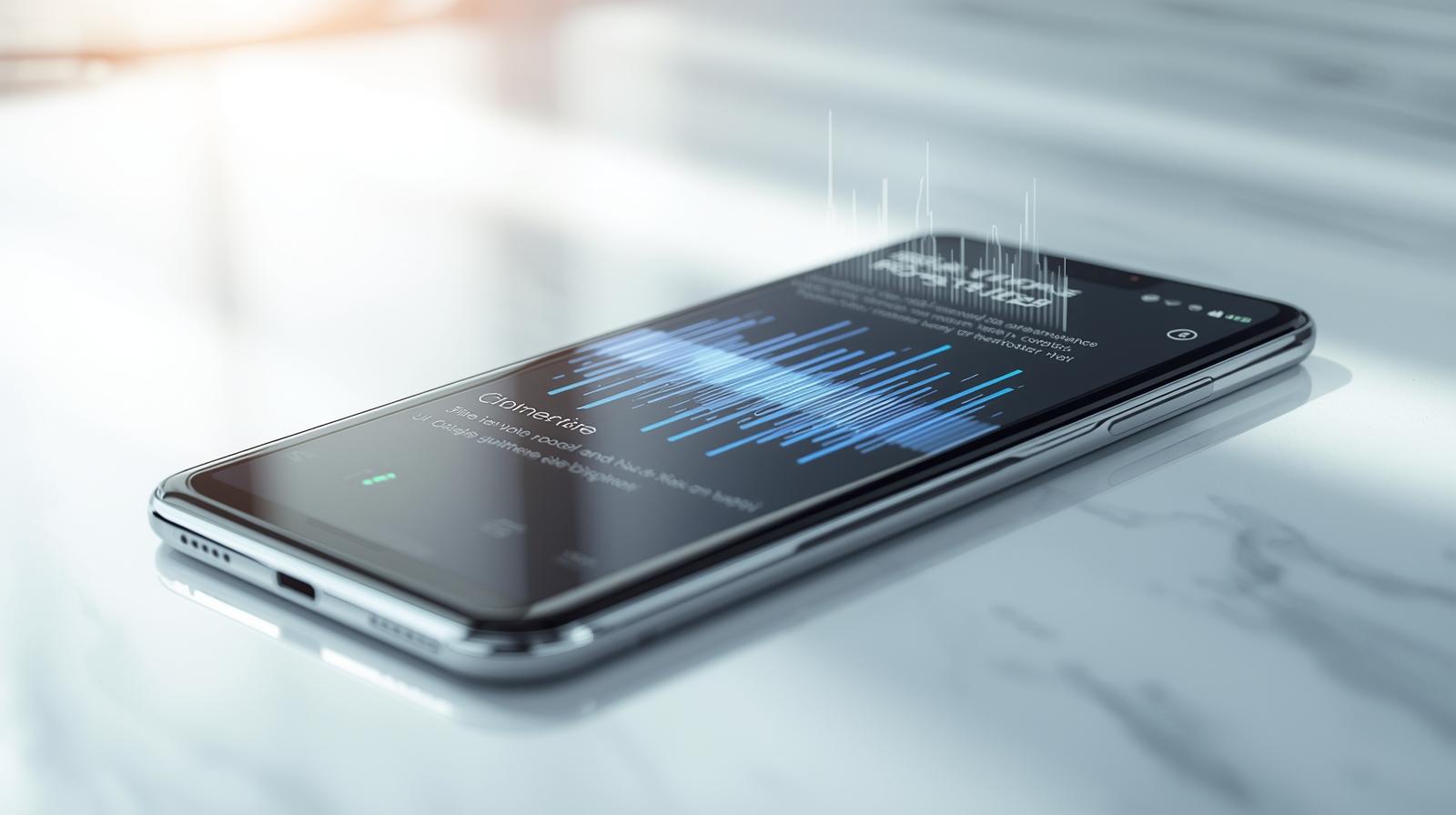
A New Era of Voice Typing
When I first tried the Pixel 10 Pro, I expected incremental improvements like better cameras and faster performance. What genuinely blew me away, however, was the new voice typing feature. Unlike standard dictation tools, Google’s latest AI-powered system is incredibly responsive, context-aware, and surprisingly accurate — even in noisy environments.
From composing messages to drafting emails, voice typing on the Pixel 10 Pro has made multitasking effortless. I no longer feel tethered to typing on a screen; I can speak naturally, and the phone interprets punctuation, capitalization, and even subtle nuances with remarkable accuracy.
How Voice Typing Changed My Workflow
- Messaging and Communication
Texting while commuting or walking used to be tedious. With the Pixel 10 Pro, I dictate messages as if I were talking to a friend. Emojis and punctuations are automatically added when I say them aloud. It has cut my texting time by at least 60%. - Professional Use
For emails, notes, and documentation, the feature is a productivity booster. It accurately transcribes complex sentences, technical terms, and even URLs when I spell them out. I no longer have to switch between apps to jot down thoughts — voice typing handles it all. - Accessibility Benefits
This feature isn’t just convenient; it also enhances accessibility. Anyone with motor difficulties or visual impairments can now interact with their phone more efficiently. In my tests, the system understood my commands even in busy, loud environments. - Creativity on the Go
I’ve started using voice typing for brainstorming sessions and journaling ideas. Speaking is faster than typing, and the Pixel 10 Pro captures thoughts seamlessly without losing my natural flow. This has made content creation quicker and more organic.
Why Pixel 10 Pro’s Voice Typing Stands Out
- Context Awareness: It understands sentence structure, capitalization, and punctuation without requiring manual editing.
- Noise Handling: Background noise is no longer an issue. Conversations around me rarely confuse the transcription.
- Multilingual Support: Switching between languages mid-sentence works flawlessly — ideal for bilingual users.
- Offline Mode: Even when offline, voice typing handles basic dictation reliably, making it versatile for travel and low-connectivity scenarios.
Overall, the Pixel 10 Pro doesn’t just convert speech to text; it feels like it understands intent.
Tips for Getting the Most Out of Voice Typing
- Speak Naturally: The AI is designed to capture natural speech patterns. Don’t over-enunciate.
- Use Commands: Say “period,” “comma,” or “new line” to format text quickly.
- Enable Auto-Punctuation: Make sure the auto-punctuation setting is on for smoother transcriptions.
- Dictate in Segments: For very long documents, dictate in shorter chunks to minimize errors.
- Combine with Gboard Features: Handwriting and predictive text complement voice typing for maximum efficiency.
My Verdict
After using the Pixel 10 Pro for several weeks, I can confidently say voice typing is a game-changer. It has reshaped the way I communicate, work, and create content on my phone. Tasks that previously required typing or stopping to focus on the screen can now be done on the go. For anyone who spends a lot of time on their phone — messaging, emailing, or note-taking — this feature is worth exploring.
In a way, voice typing has made my Pixel 10 Pro feel like a personal assistant that listens, understands, and transcribes perfectly. Google has set a new standard for AI-powered productivity tools on smartphones, and it’s only getting better with continuous updates.
Last technically reviewed on November 03, 2025.
How we created & reviewed this content:
The content in this article has been gone through our editorial process and currently reliable.
DISCLAIMER
MPT provides independent, fact-checked information about mobile technology for general reference only and images on this site maybe AI-Assisted where appropriate and relevant. See our Disclaimer for details.
INFORMATION SOURCES
MPT follows strict sourcing standards, relying only on credible, verifiable data from manufacturers, industry benchmarks, and reputable publications. Learn more about how we ensure content accuracy and transparency in our Editorial Policy.
EDITORIAL HISTORY
Our team of writers, editors, and reviewers continually monitors the mobile industry and updates articles when new information becomes available. See how we maintain transparency and editorial integrity in our Editorial Policy.
- Current version
- Edited by Robert Castillo
- November 03, 2025
- Written by Daniel Kim
- Edited by Robert Castillo
- Technically reviewed by Natalie Brooks
DISCUSSION & FEEDBACK
We value reader insights and industry feedback to help us keep our content accurate and relevant. Learn how we handle reviews, corrections, and updates in our Editorial Policy.
- Leave a feedback on this post update at Reddit and Youtube.
CITE & SHARE IT
You’re welcome to cite and share MPT content for reference with proper attribution and a link back to the original article — helping more readers access trustworthy, well-researched mobile tech information.